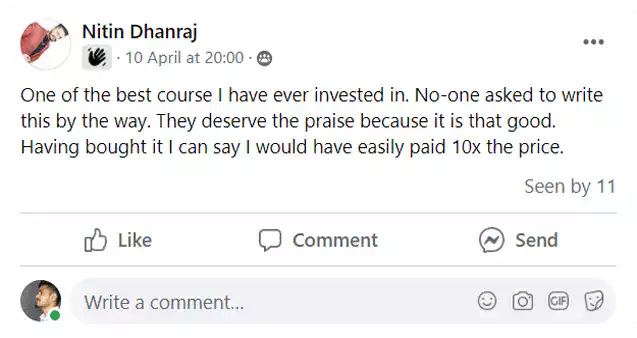
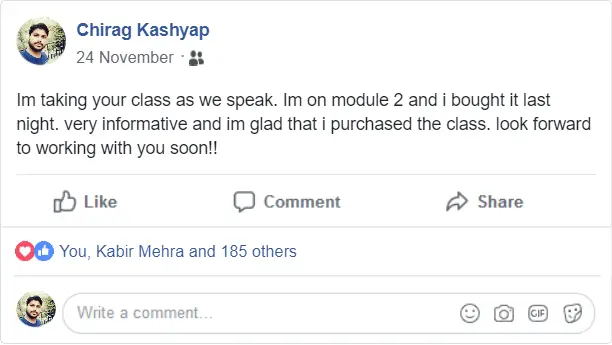
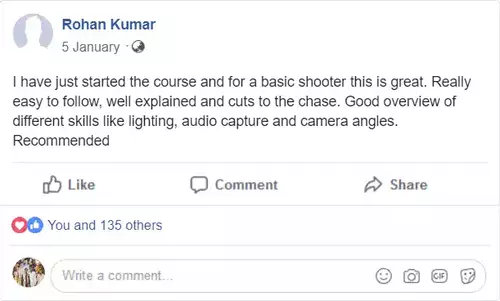
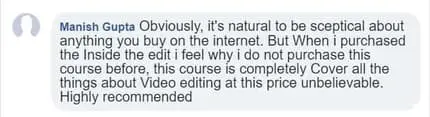
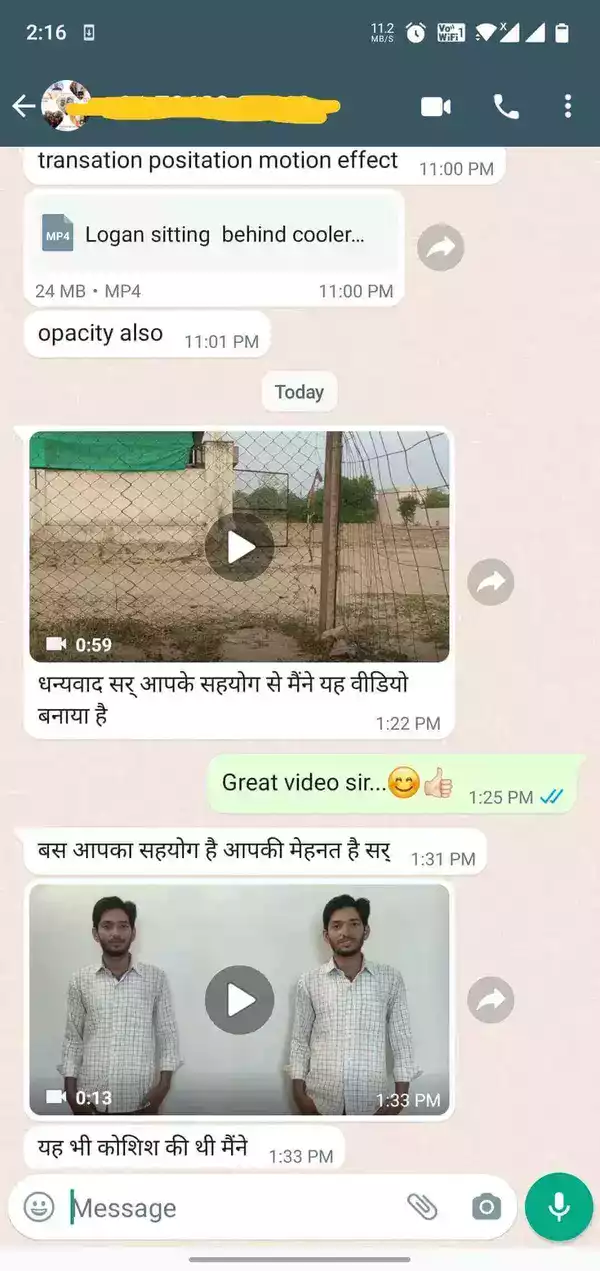
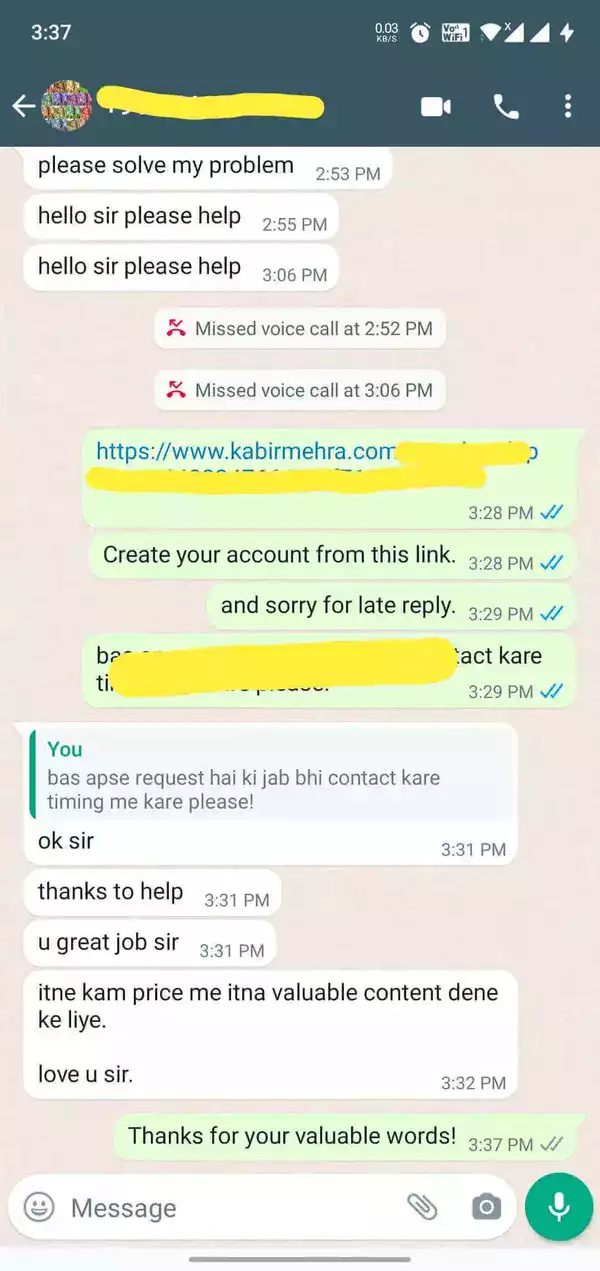
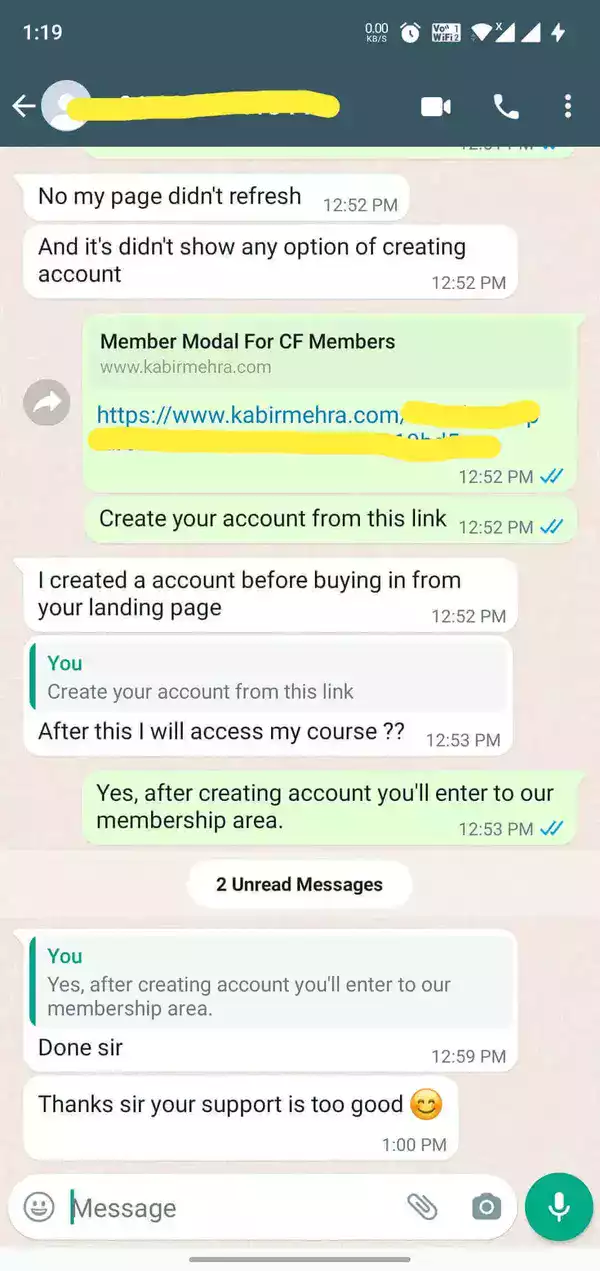
"I am Fully satisfied by the course that has been offered to me and I have learnt many lesson that were not known to me before. Thank you sir." - Abhishek K.
"Inside the edit course is a game-changer! From basics to advanced skills, it's been an incredible journey. Clear instruction and expert guidance have transformed my editing abilities. Highly recommended" - Rakesh
"Each and every thing is covered for video editing in a structured format and you can start editing for clients right after completing the course." - Vaibhavi S.
What You Are Going To Learn...
Color Correction
Cinematic Color Grading
Wedding Invitation Editing
Animated Title Making
Ultimate Effect Making
Ai Video Creation & Editing
Multi-Cam Editing
Green Screen Editing
Youtube Editing
Color Conversion Effect
Advertisement Editing
Ai Video Avatar Creation
Here's What You'll Get :
8 Incredibly Valuable, Online Training (Value = ₹5,999)
Private Community Access (₹2,499)
Call, Email & Whatsapp Chat Support (₹3,999)
Course Lifetime Update (₹4,999)
8 Incredibly Valuable, Online Training (Value = ₹5,999)
Private Community Access (₹2,499)
Call, Email & Whatsapp Chat Support (₹3,999)
Course Lifetime Update (₹4,999)
Bonus : Stock music & Videos Collection (₹4,999)
Bonus : Premium Fonts & Templates Packs (₹4,999)
Bonus : Ai Video Creation & Editing (₹6,999)
Bonus : Certificate After Complete Course (Priceless)
Bonus : Stock music & Videos Collection (₹4,999)
Bonus : Premium Fonts & Templates Packs (₹4,999)
Bonus : Ai Video Creation & Editing (₹6,999)
Bonus : Certificate After Complete Course (Priceless)
It’s a recorded course which will be given to you in a video format. On signup, you will create account and password using which you can watch all the modules in one go.
We give lifetime support to our students so you can ask as many questions you want and we have a dedicated Facebook group also for the student, where you can ask as many questions as you like.
The Videos are shared in the member’s area, you cannot download them however you can watch it anytime you want – any number of times you want. All you need is a Mobile/Laptop and an Internet connection.
Absolutely! Inside The Edit has a 7-Day Satisfaction Guarantee. If you are not completely SATISFIED and ENLIGHTENED by the Inside The Edit Course, then contact us within 7 Days for refund, no questions asked!